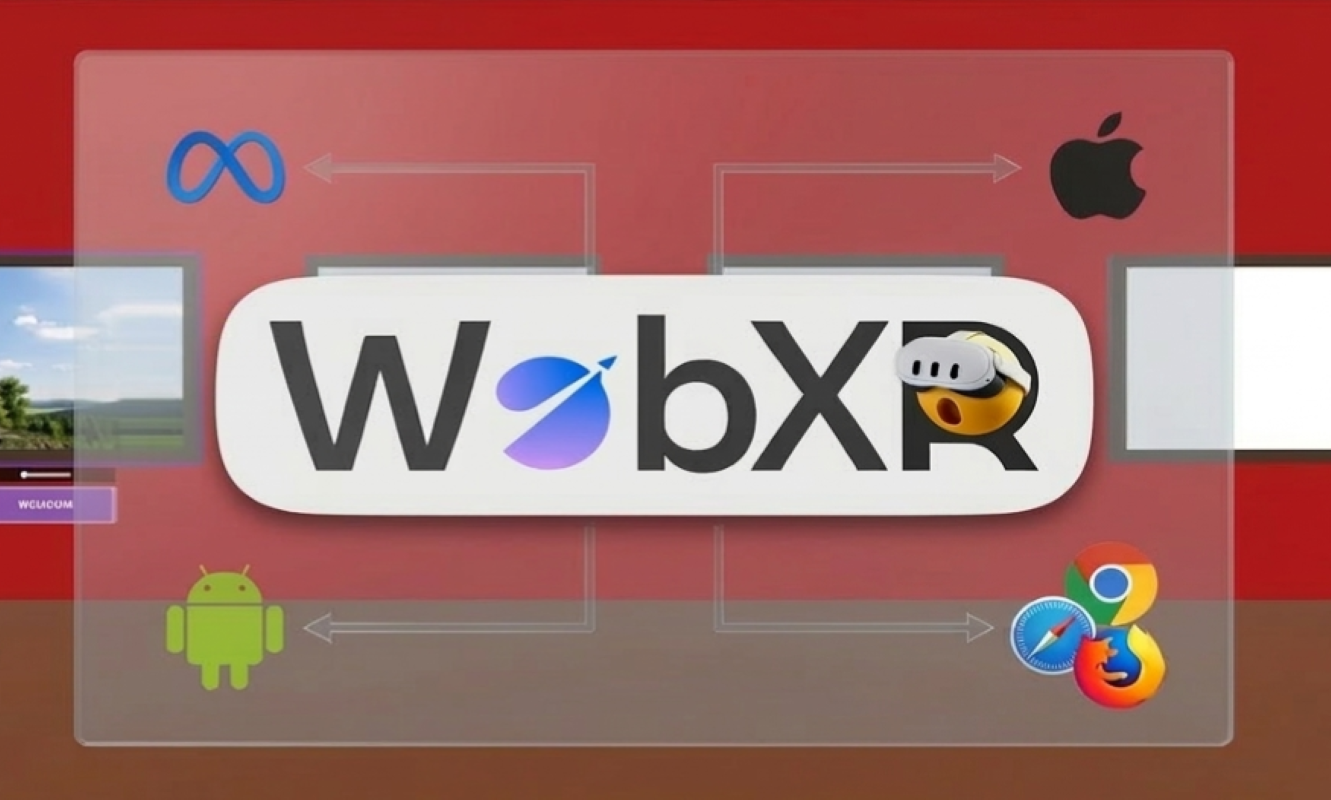
Photo to World - Immersive WebXR Photo Museum

Step inside your memories. Explore AI-generated 3D worlds built from your photos. Share the experience with anyone, anywhere — no headset required.

🥽 Meta Quest Ready 🤖 AI-Generated Worlds 👥 Real-Time Multiplayer 📱 iOS & Android 🌐 No App Download
Explore Features
Scroll
Features

Everything in one experience

WebXR entry screen showing the Meta Quest 3 emulator with Enter XR button
WebXR · IWSDK

Built for the Open Web

No app store. No installation. Built on Meta's Immersive Web SDK (IWSDK) and Three.js, Photo to World - Immersive WebXR Photo Museum runs directly in any WebXR-capable browser. Visit a URL, click Enter XR, and you're inside — on Quest Browser, Chrome, Safari, Firefox or any WebXR runtime.
Museum Room

Your Gallery, in 3D

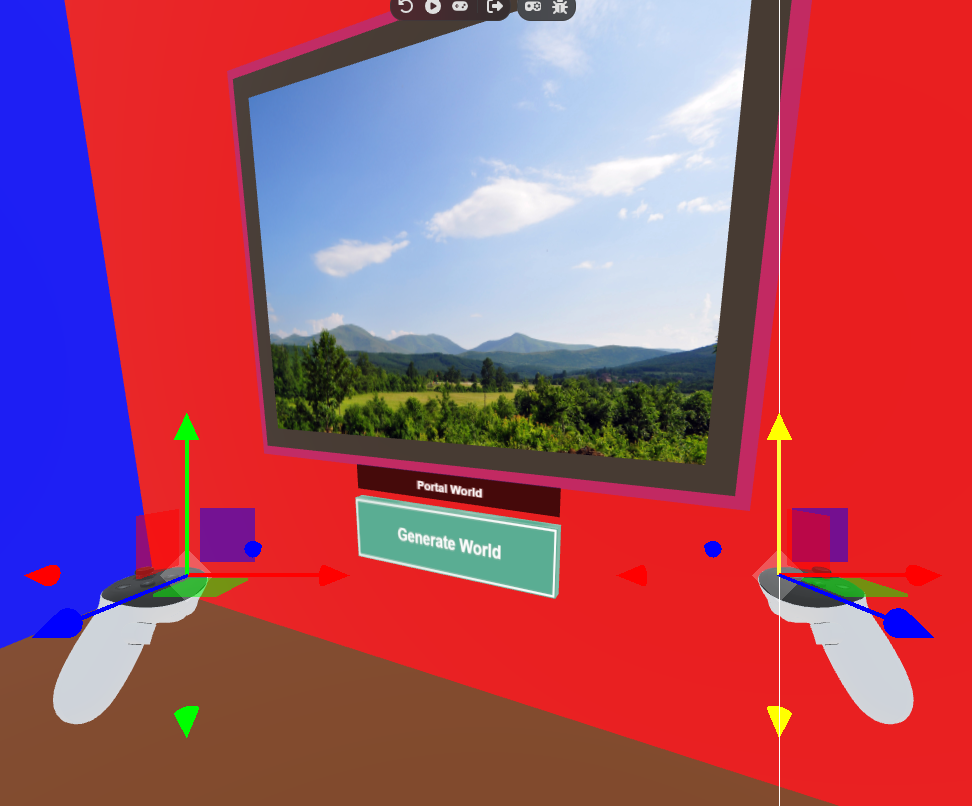
Explore a 20×20 metre virtual gallery with distinct colored walls — red, green, blue, and orange — and 18 individually lit photo display frames. Fill them with your Photos via Google (Coming Soon)

Portal Frame

A Window to Another Dimension

A special parallax-effect portal frame sits at the gallery's heart — shifting in depth as you move, beckoning you into a world beyond.

Green Generate World button below the portal frame in the museum
World Labs API

One Tap to Generate a World

Point at the portal and press "Generate World." The World Labs Marble API transforms your photo into a full 3D Gaussian splat — a photorealistic environment you can fly through.

Gaussian Splat · SparkJS

Fly Through Your Memories

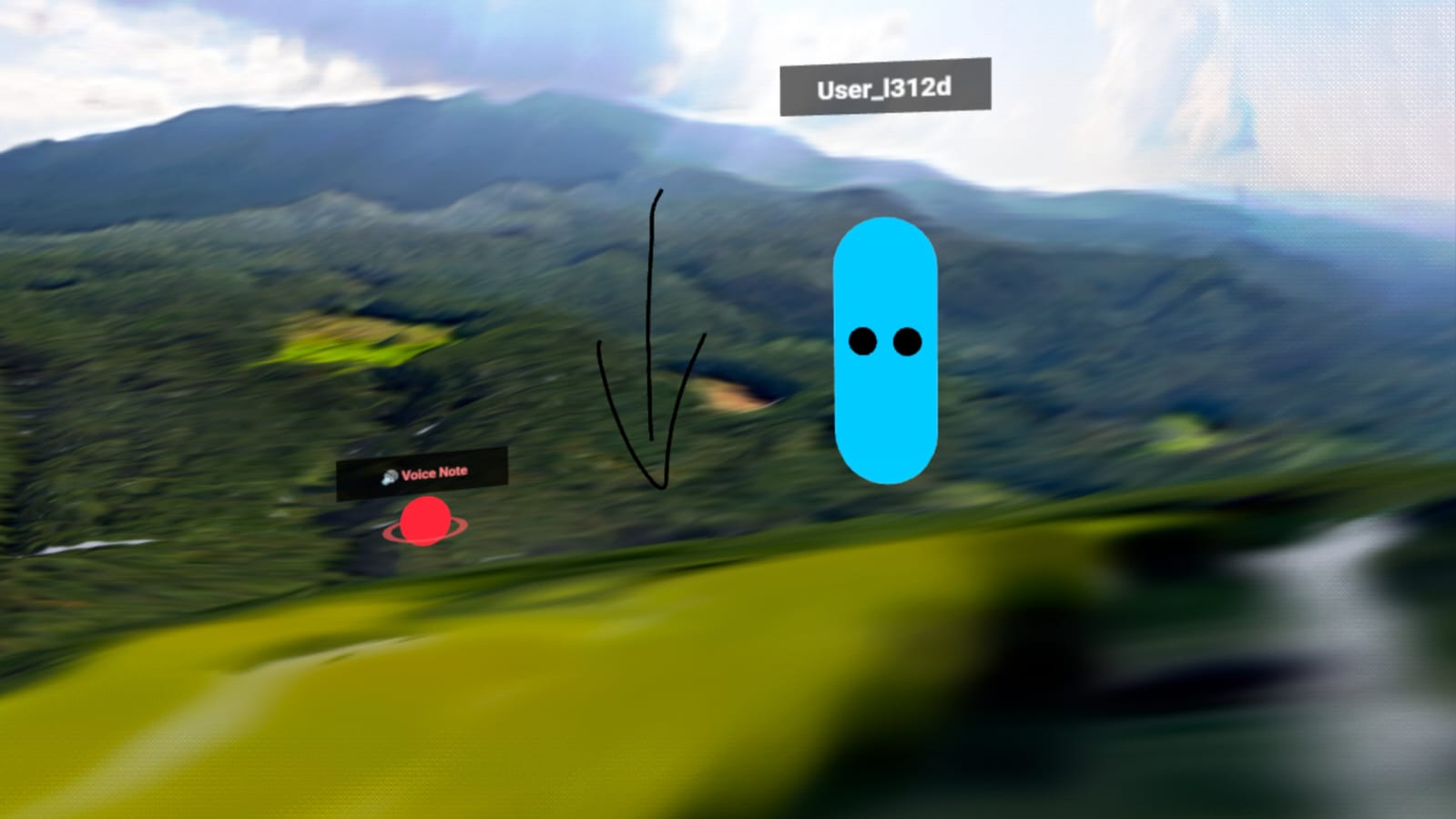
Step through the portal into a Gaussian splat world rendered by SparkJS. Free-fly in any direction with thumbsticks (XR) or the virtual joystick (mobile). Zoom, ascend, descend — your world rendered at a smooth FPS using GPU-instanced splat geometry.

Return to Museum

Always a Way Back

Tap "Return to Museum" (or press the Y button on Quest controllers) to instantly exit the splat world. The generated world stays cached — re-enter it any time with one tap.

Annotations · Drawings · Voice

Leave Your Mark

Place 3D text annotations anywhere in the gallery. Draw freehand 3D strokes with your right hand or controller. Record voice notes and drop them in space — all synced in real-time across every connected user.

Flat Mode · Mobile

Touch Controls Built-In

On phones and tablets, Photo to World - Immersive WebXR Photo Museum switches to flat mode automatically. A glassmorphic joystick handles movement, screen-drag controls the camera (Minecraft PE-style), and up/down buttons fly in splat worlds — no headset needed.

Museum room with controllers and portal frame visible from a side angle
Real-Time Multiplayer

Share the Experience

Share an invite link and see each other's avatars appear in the gallery. Multiplayer syncs positions, annotations, drawings, and voice notes in real time via Socket.IO. Passphrase-based rooms — no account required. (Coming Soon)